 Coming soon · macOS · Free to download
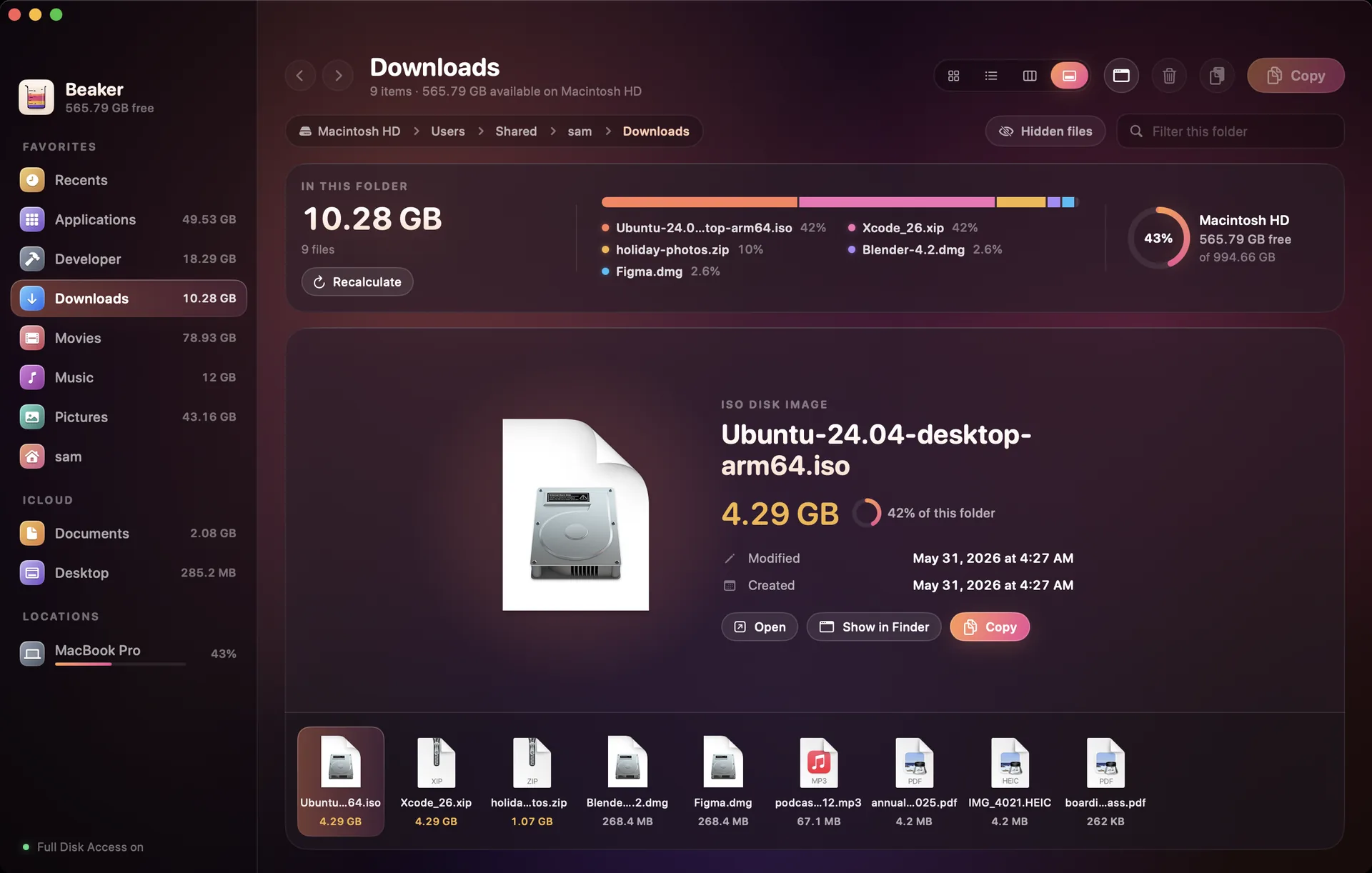
A folder browser with sizes everywhere. Open any folder and every item in it shows how much space it really takes on disk, the same number Get Info gives you, without opening Get Info a hundred times.
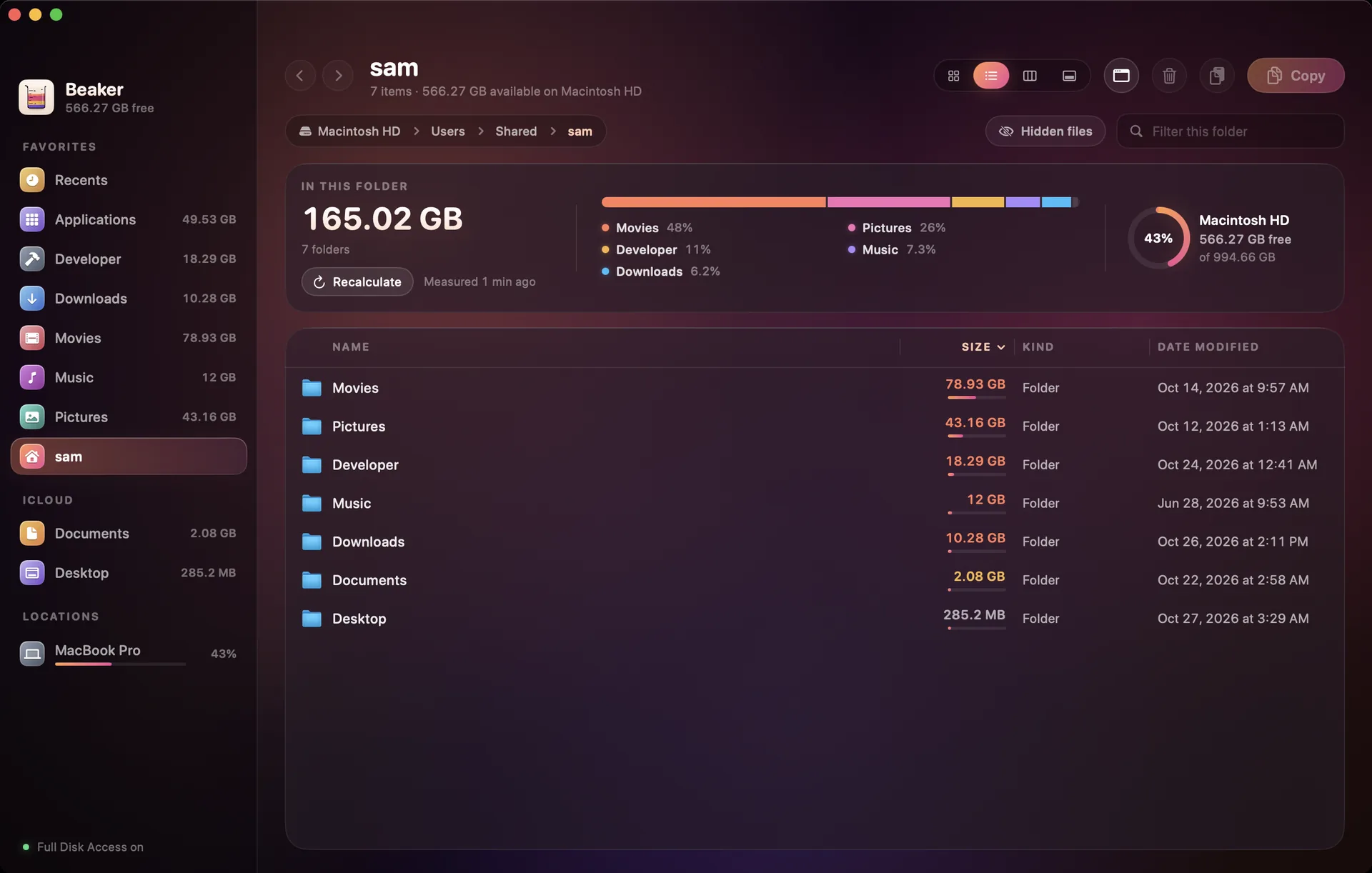
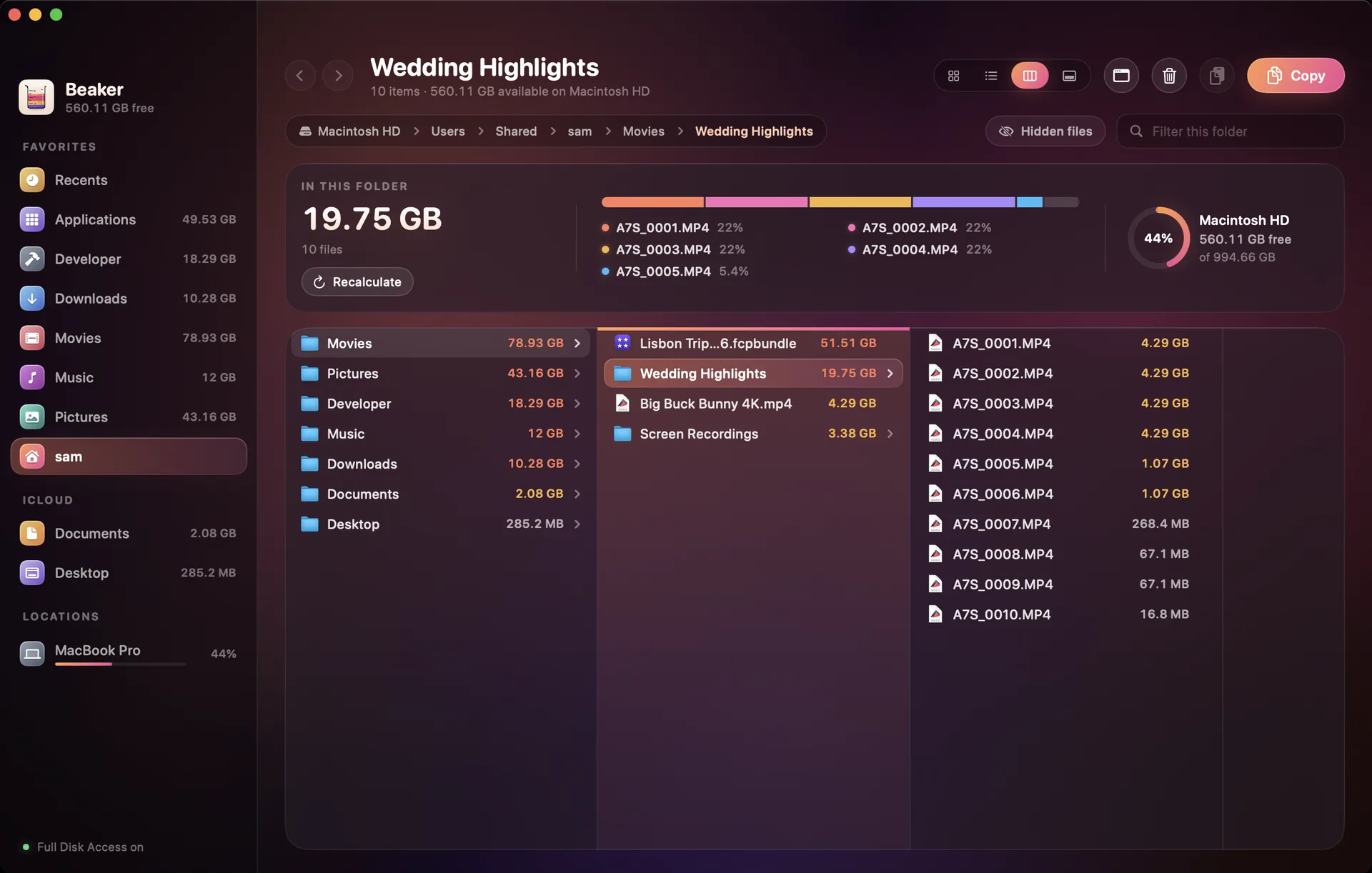
Every folder you open stays on screen beside the one it is in, each with its sizes. Find the folder that is big, then the one inside it, then the files to blame. Sizes over 1 GB are gold and over 10 GB coral, so the big ones jump out.
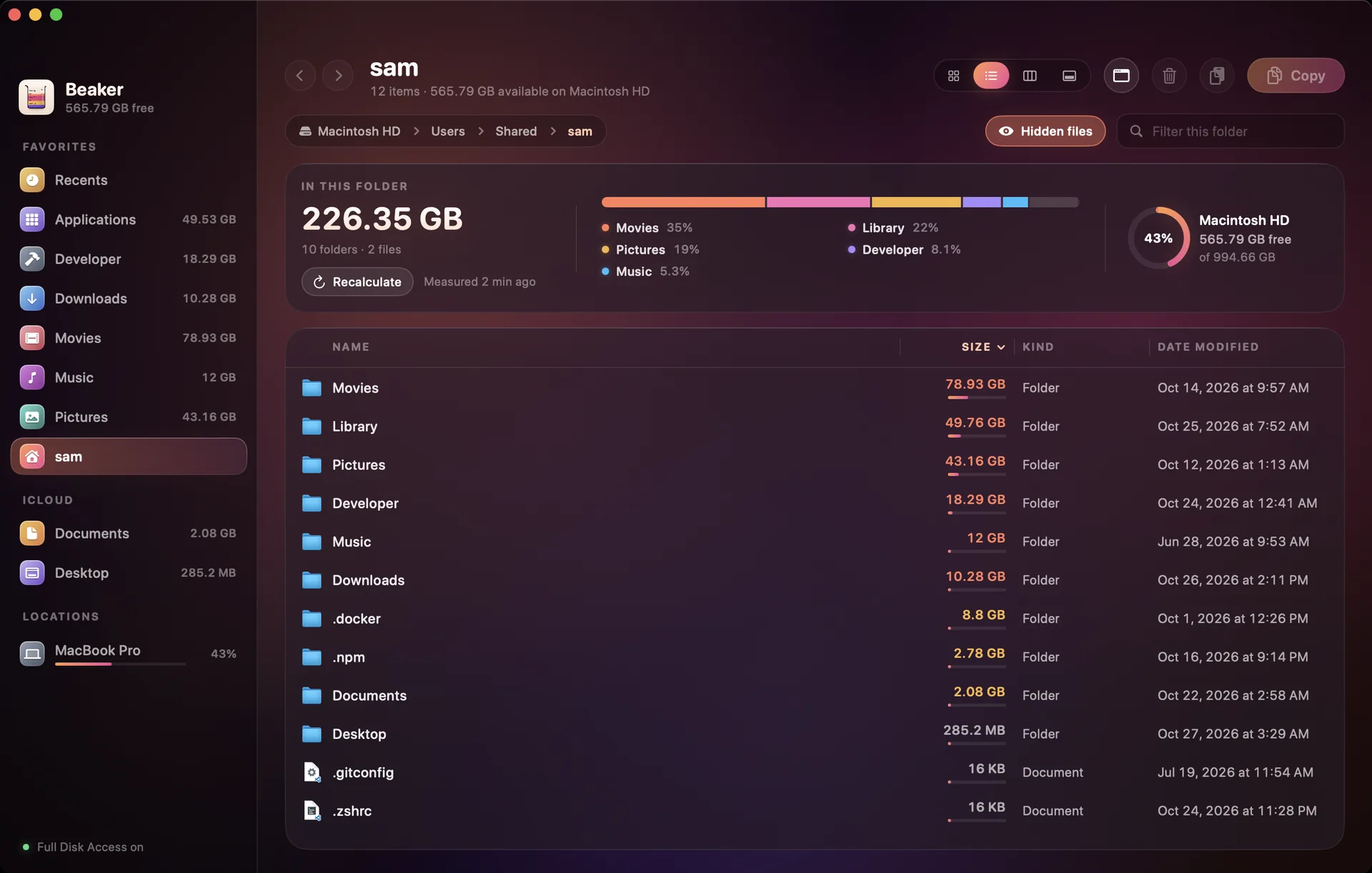
Library and dot-folders often hold more than anything you can see: app caches, old iPhone backups, developer tools. Turn on hidden files and they are measured like everything else.
Move to Trash with ⌘⌫, and Undo if you change your mind. Copy, cut and paste with ⌘C, ⌘X and ⌘V, or drag files onto folders, in Beaker or to and from Finder. Beaker never overwrites a file.
Beaker measures your disks on your Mac. There is no account and no server, so nothing it sees comes to us.
Nothing to sign up for. Open Beaker, choose your disk, and browse.
Beaker has no server. Your files and folder names are never sent anywhere.
Beaker reads the disks you give it, and changes files only when you ask.
No tracking and no ads. Nothing about you or your files comes to us.
Sizes are worked out on low-priority background threads, so browsing never stutters.
Sizes are kept between launches, and what you are looking at is refreshed every few minutes.
Press ⌘R any time for a fresh number, with the time it was last measured beside it.
External drives appear in the sidebar with how full they are, and are measured the same way.
Back and forward, a path bar, Recents, favourite folders and the shortcuts you know from Finder.
Type part of a name to narrow a big folder down to what you are after.
Everything you need to find what fills your disk, with no time limit and no account.
A one-time purchase in the app. Pay once, keep it forever. No subscription.
Beaker needs macOS 15 or later.
Beaker is on its way to the Mac App Store. Choose "Tell me when it launches", leave your email, and we will let you know the day it is out.
Every folder's size, the Icons and List views, the summary, Recalculate, Recents, filtering and Move to Trash are free. Beaker Pro, a one-time purchase, adds the Columns and Gallery views, copying and moving files, and hidden files. There is no subscription.
Apps from the Mac App Store can only open what you give them. Beaker asks once, in a standard Open panel, and remembers your choice. External drives are asked for the first time you open them.
No. Without it, a few folders macOS protects (Mail and Safari, for example) can't be measured, and Beaker says so. Turn it on in System Settings if you want those counted too.
No. Beaker never changes a file on its own and never overwrites one. Files move to the Trash only when you ask, and you can Undo it.
Beaker has no account, no server and no analytics. It reads your disks on your Mac, and nothing it sees is sent anywhere.
Beaker is coming to the Mac App Store. Leave your email and we'll tell you the moment it's out.
Get notifiedScreenshots show a made-up home folder. Mac, macOS and Finder are trademarks of Apple Inc. Beaker is not made or endorsed by Apple.