 Coming soon · macOS
A native Mac app for your whole financial picture: what you own and owe, your bank statements, spending, goals and retirement, in one place that never leaves your Mac.
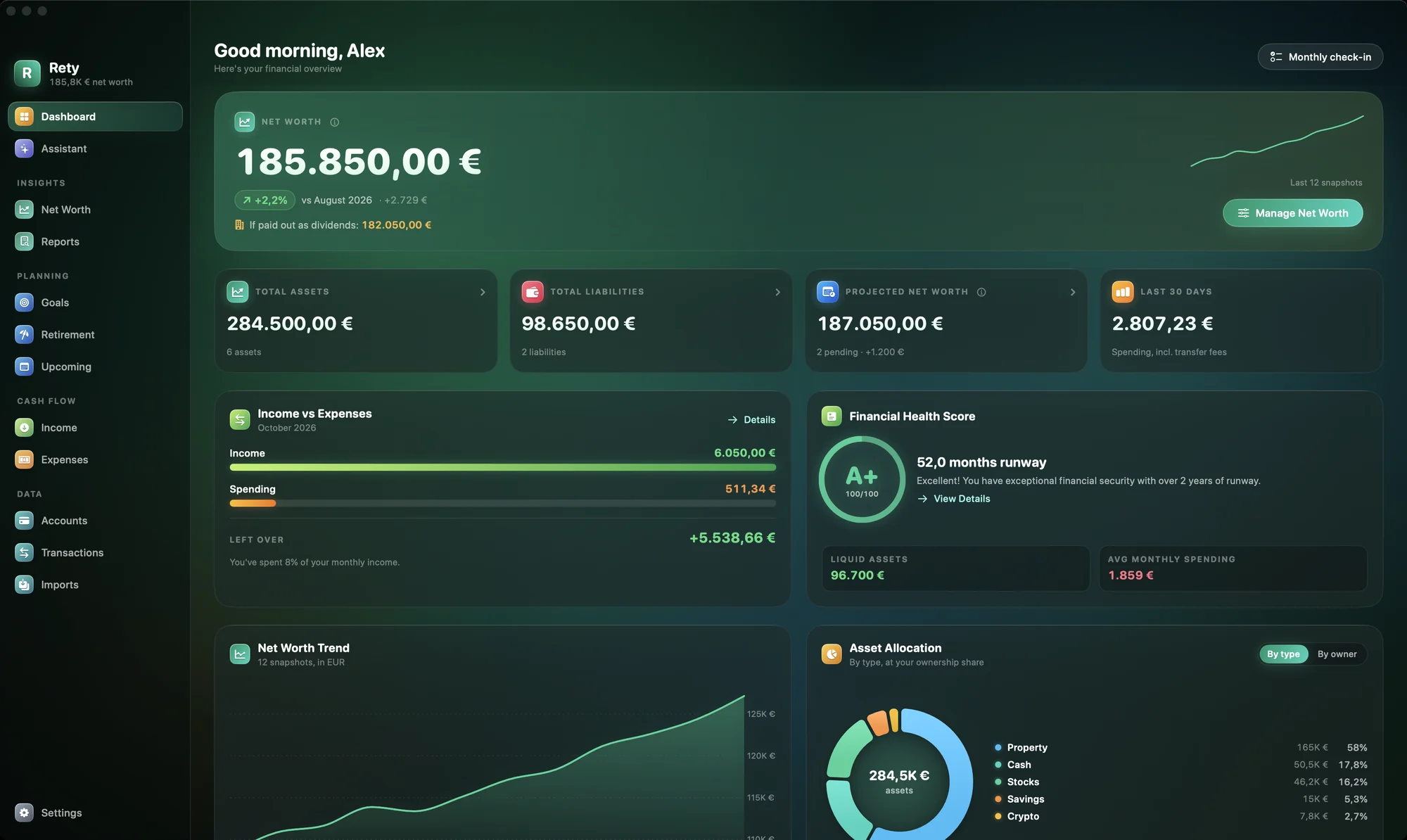
Property, savings, stocks, crypto and cash against mortgages and cards, in any currency. A company counts at your share. A quick monthly check-in and automatic month-end snapshots build your history, so you can see how far you have come.
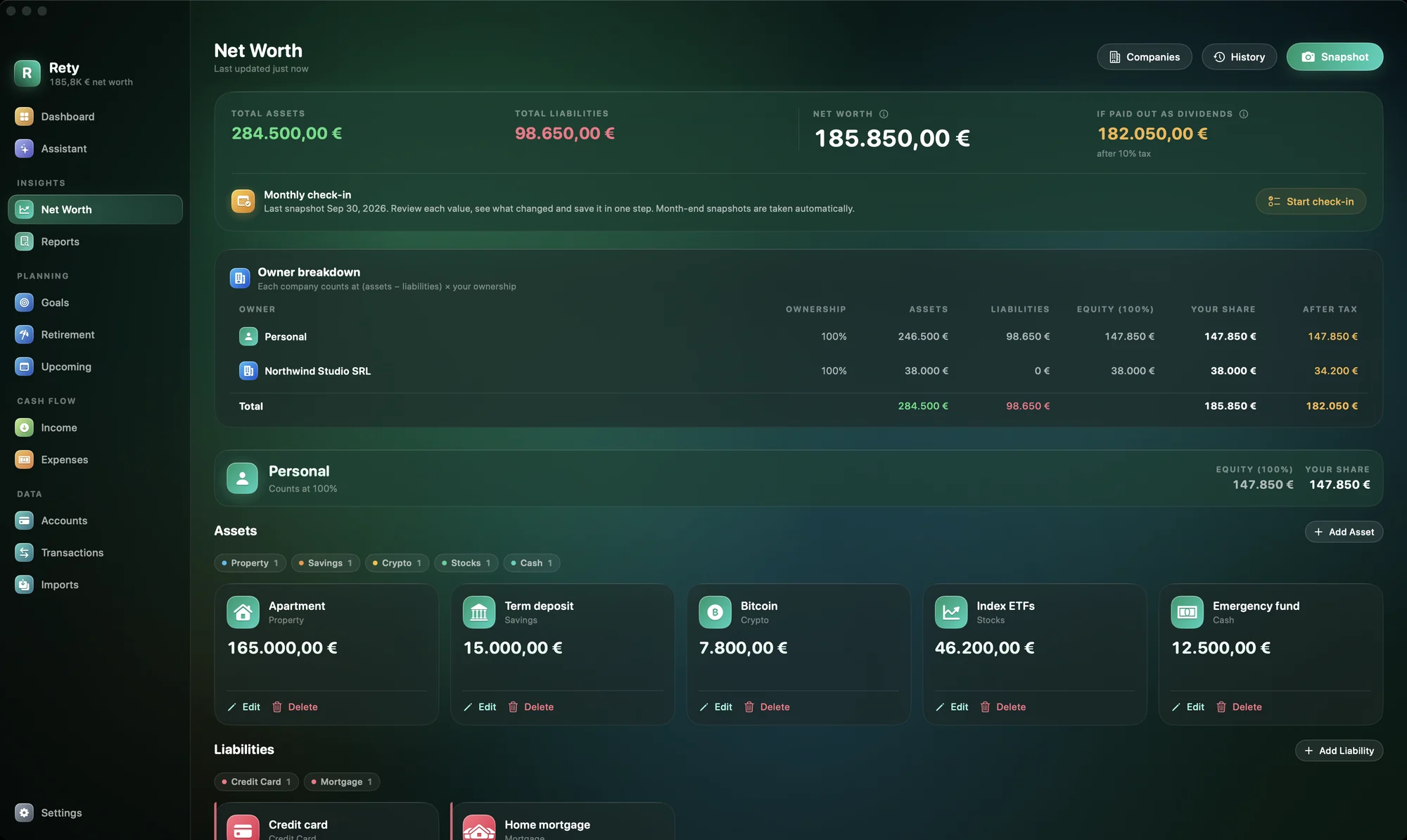
Import CSV and Excel statements from ING, Revolut, UniCredit and Libra. Rety skips what it already has, pairs transfers between your own accounts, and files every transaction under a category with rules you can tune.
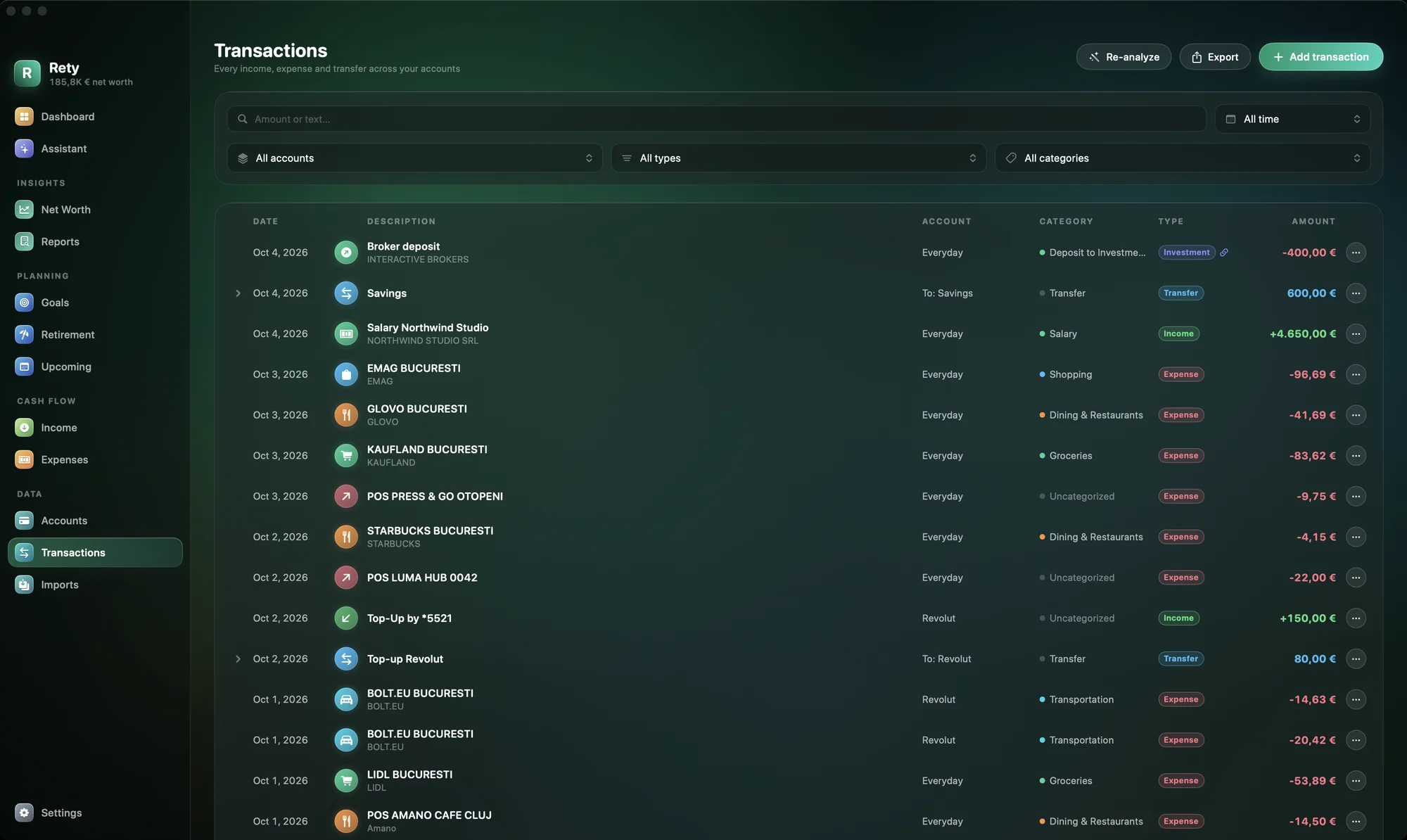
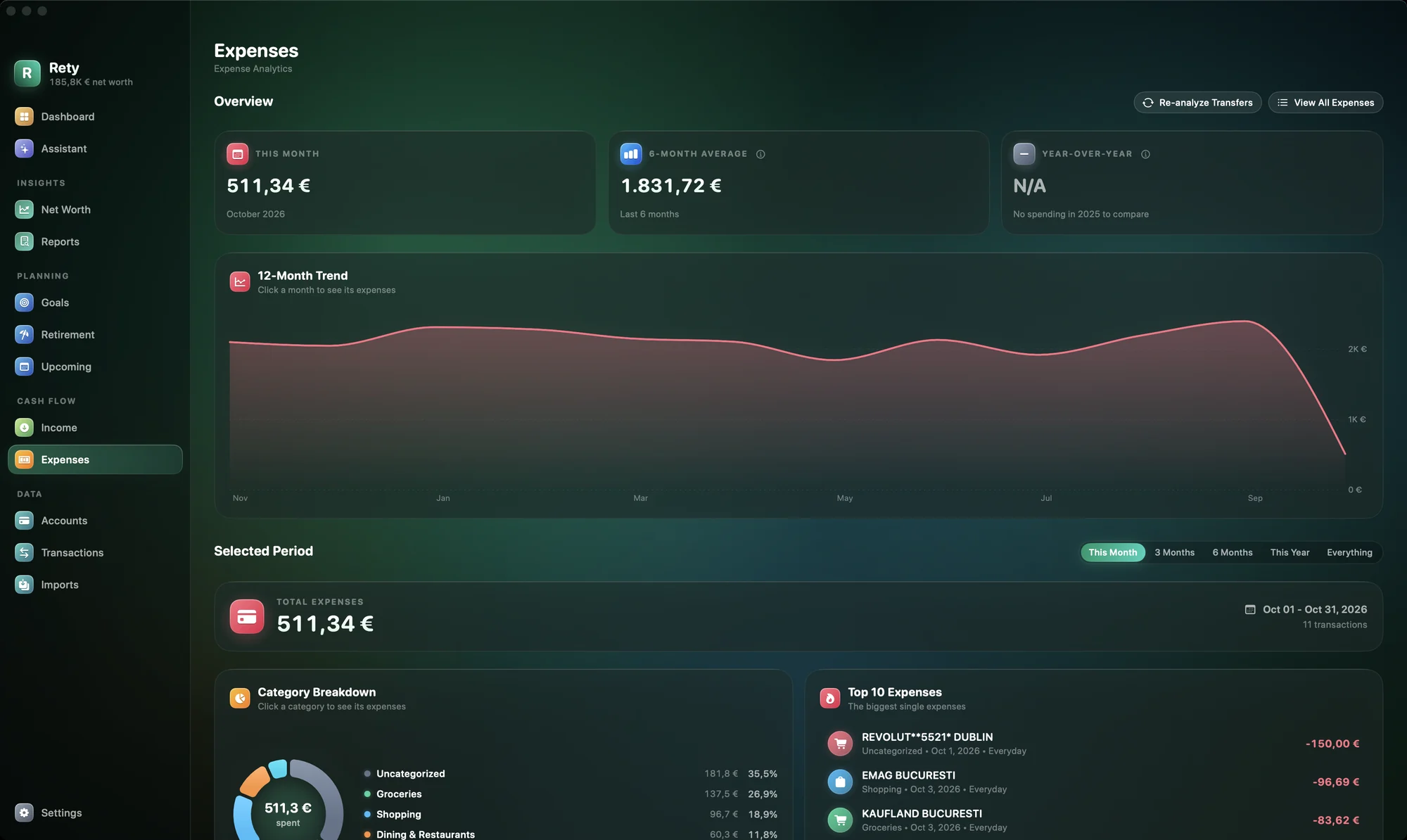
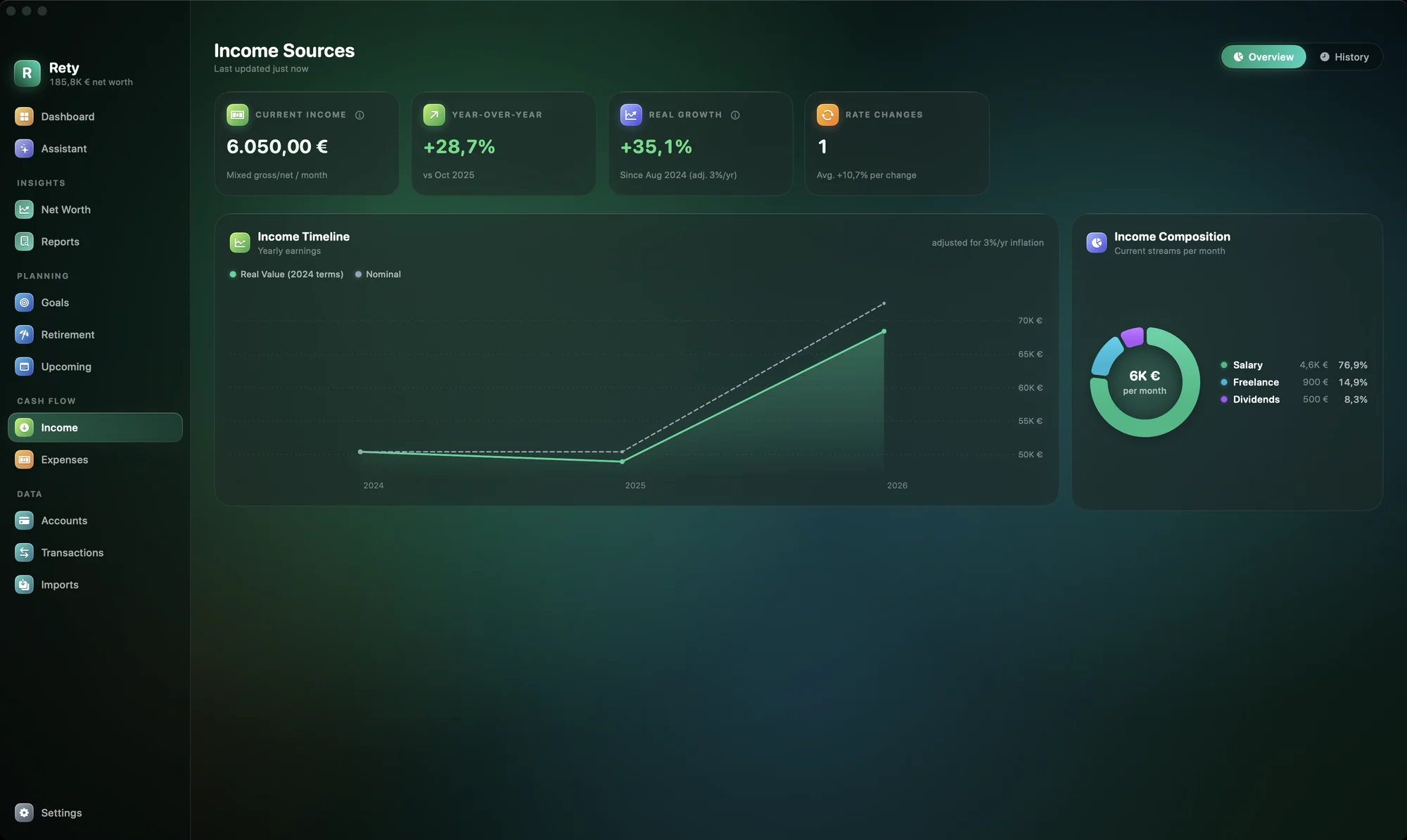
Expenses by month and category, income sources and how they grew after inflation, monthly and yearly reports, and a financial health score built from your runway and savings rate.
Retirement projections from what you own today, with your expected returns, inflation and withdrawal rate. Plan upcoming payments, and watch your goals fill up.

Most finance apps keep your accounts and spending on their servers. Rety doesn't have one: everything lives on your Mac, encrypted.
Nothing to sign up for. Open the app and start.
Your data sits in a database encrypted with a key kept in your macOS Keychain. Lock it with Touch ID.
Rety has no server and no analytics. On its own it only downloads exchange rates.
Off by default. Use Claude with your own key, or a model on your Mac, with names, IBANs and card numbers removed first.
An optional assistant answers questions about your own figures.
Optional AI names merchants and sorts what your rules don't recognise.
Let the Claude app read your figures through a private connection on your Mac.
Password-protected backups you can restore on any Mac.
Your transactions, for taxes or spreadsheets.
Built in Swift for macOS. No web view, no Electron.
No subscription. Rety Pro is a one-time purchase on the Mac App Store.
$0
$49.99 one-time
Founder price for the first 200 buyers, then $99.
Rety is in final testing and coming to the Mac App Store. Choose "Tell me when it launches", leave your email, and we will let you know the day it is out.
Rety is free to start. Rety Pro is a one-time purchase, not a subscription: $49.99 for the first 200 buyers, then $99. It unlocks your whole history and full statement imports from every supported bank.
ING, Revolut, UniCredit and Libra, from the CSV or Excel statements your online banking exports. Any other account can be added and kept up to date by hand.
Rety has no server and no account. Your data is stored on your Mac in an encrypted database whose key stays in your macOS Keychain. Apart from downloading exchange rates, nothing is sent anywhere unless you turn on an optional feature such as AI.
Rety is coming to the Mac App Store. Leave your email and we'll tell you the moment it's out.
Get notifiedScreenshots show a sample household with made-up figures. Bank names are trademarks of their respective owners.