 Available now · macOS · Free
A Mac app that keeps your Music library for the songs you add on purpose. The Apple Music songs piling up in it move into playlists by genre, and stay in every playlist they were already in.
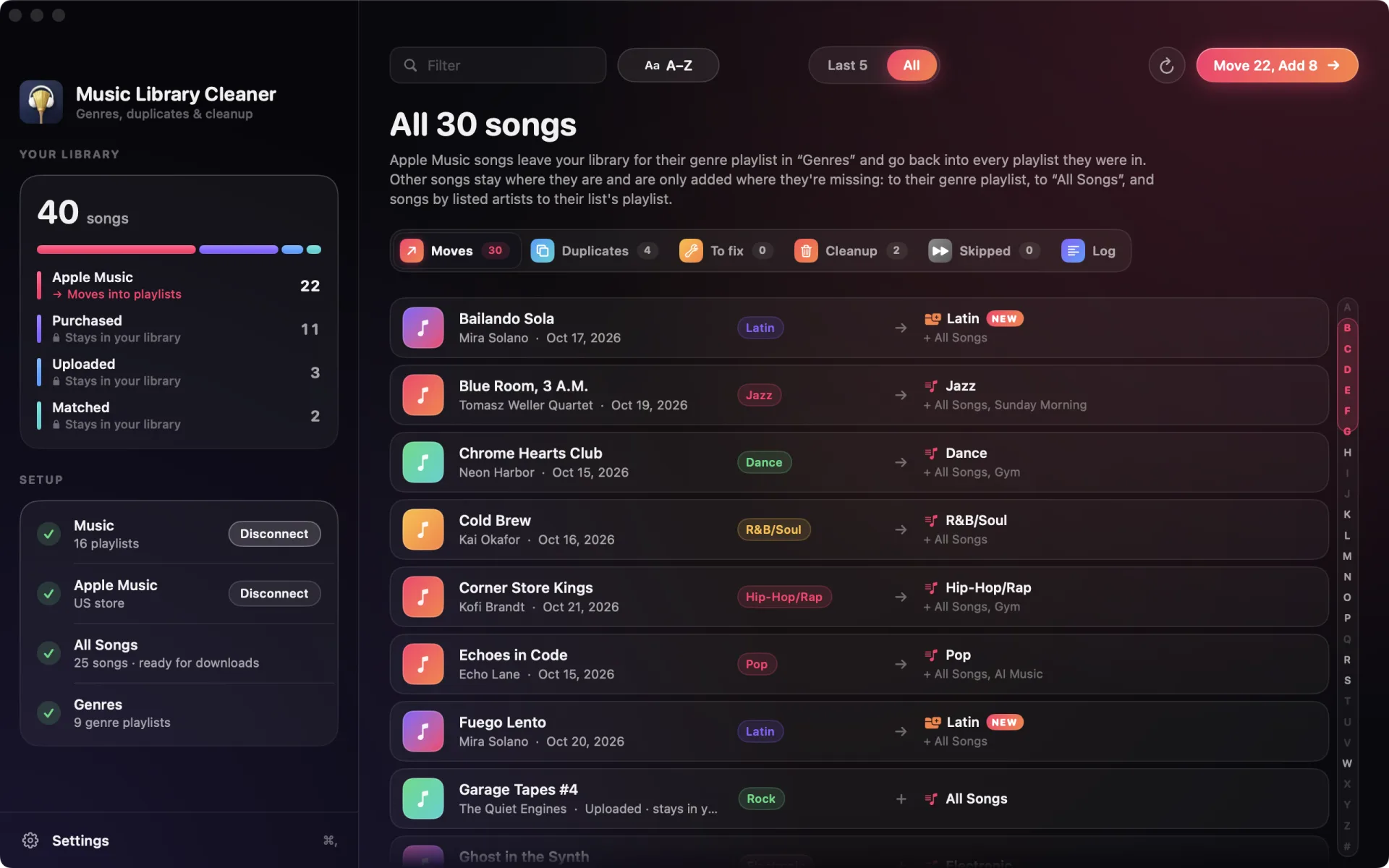
Each Apple Music song leaves your library for its genre playlist, in a Genres folder, and goes back into every playlist it was in. Purchased, uploaded and matched songs stay in your library and are only added to their genre playlist. Pick the playlist each genre goes into, or let Music Library Cleaner make one.
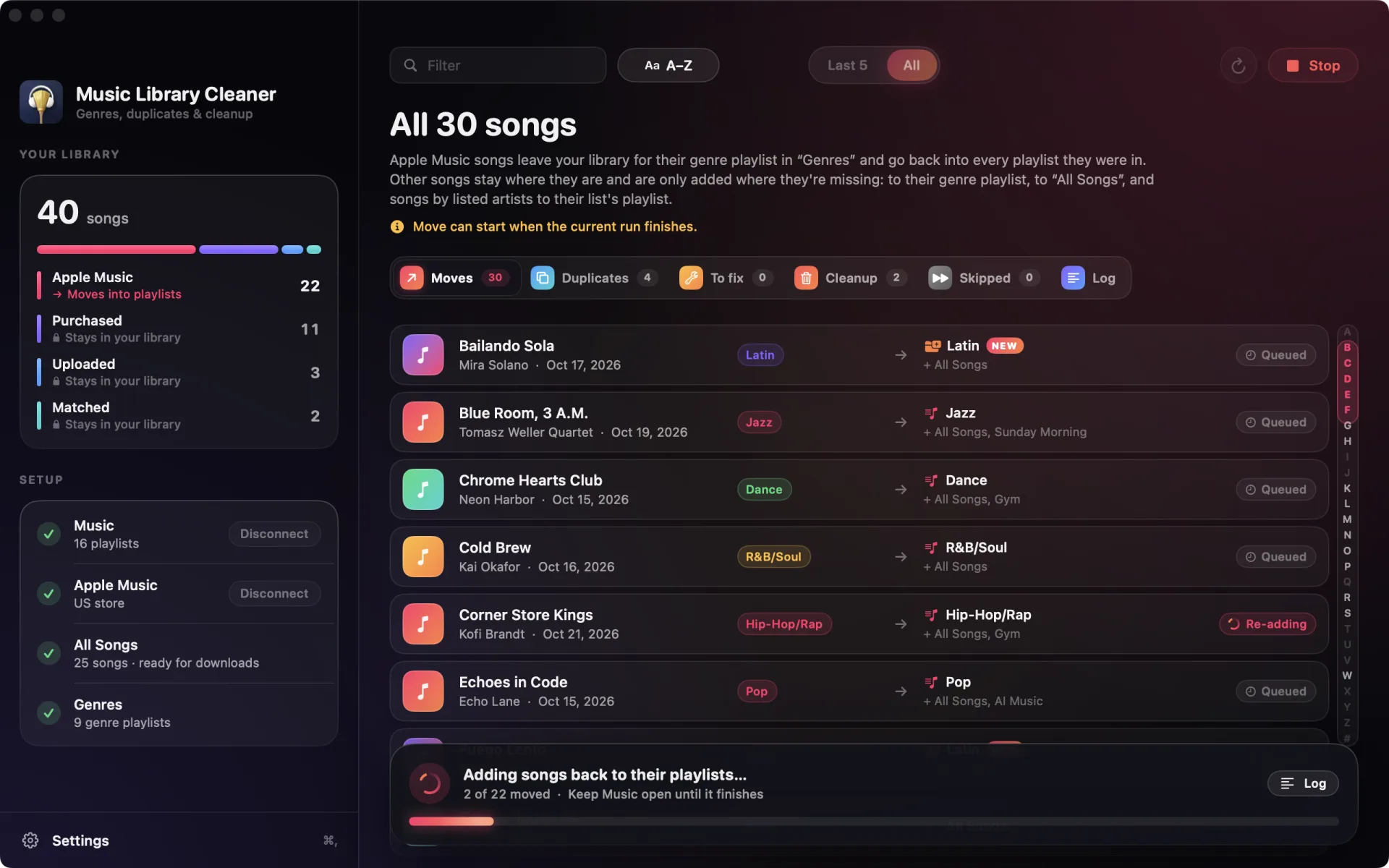
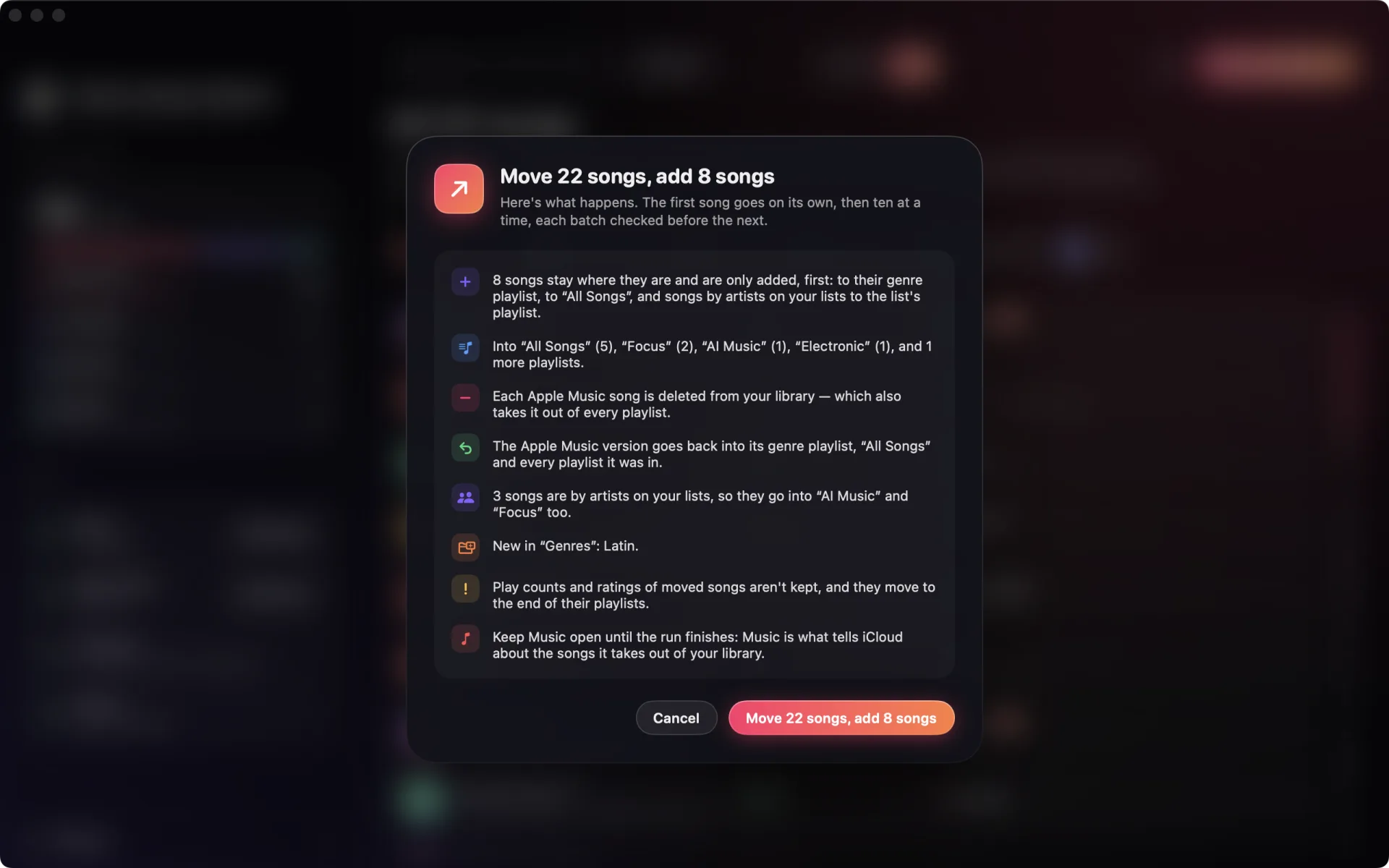
Before a move, you see every step it will take. The first song goes on its own, then ten at a time, each batch checked in Music and iCloud before the next. Every song is written down before it leaves your library, so an interrupted run can always be finished.
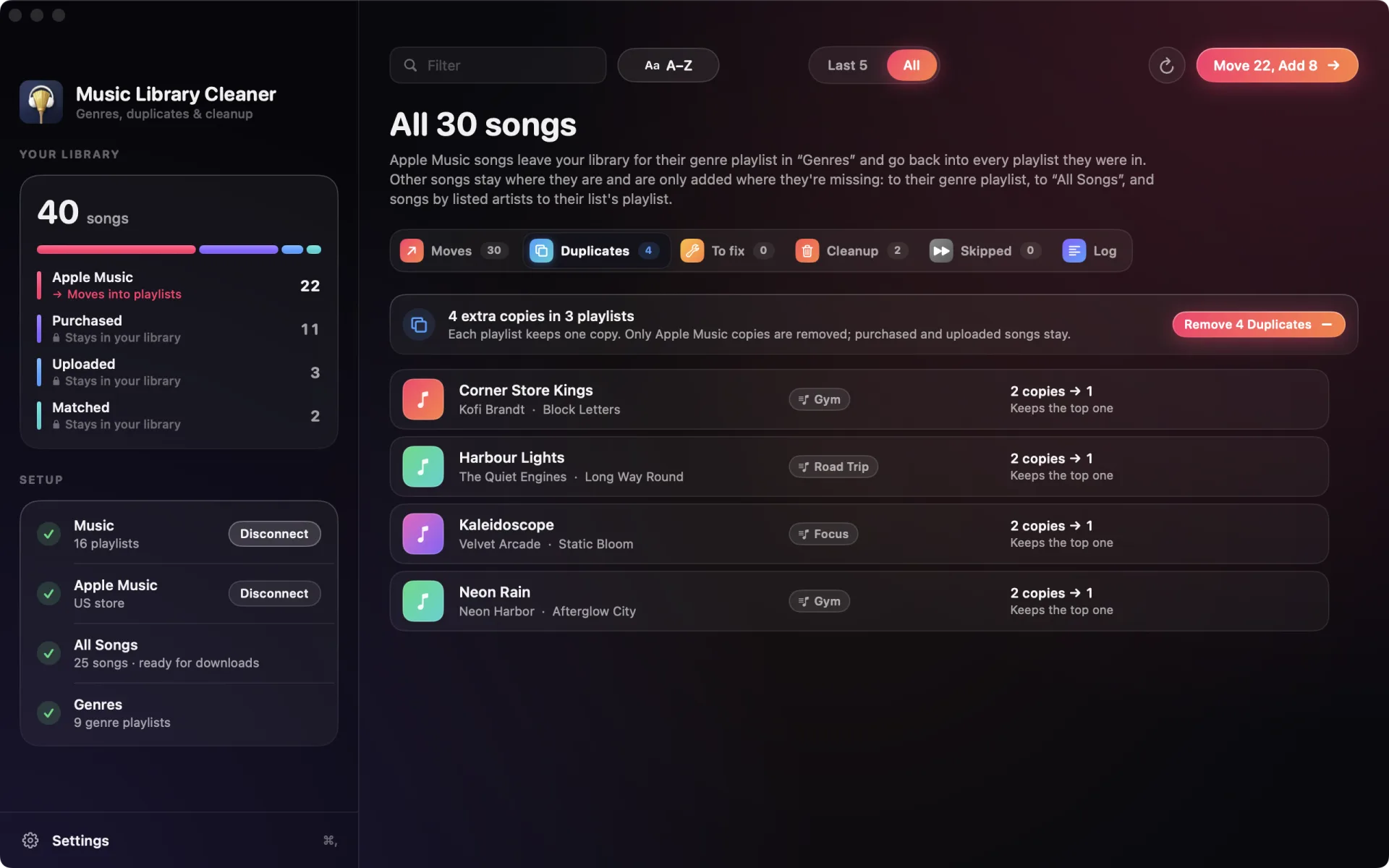
Music Library Cleaner finds songs that are in a playlist more than once and removes the extra copies. A purchased or uploaded copy is the one kept; otherwise it is the one highest up in the playlist. Each removal is checked in iCloud.
Pick artists whose songs also go into a playlist of your choice, as well as their genre playlist, on every run. Prefill starts a list from the artists already in a playlist.

Music Library Cleaner works through the Music app on your Mac and talks to Apple Music directly. Nothing comes to us.
Nothing to sign up for. Connect Music and Apple Music, and start.
Requests to Apple Music go straight from your Mac to Apple.
Its record of your playlists, the songs it moved and its log stay in the app's own folder.
Nothing about you or your music is sent to us.
Songs Apple re-released, which Music greys out, are swapped for the new version in the same playlists.
Songs Apple Music no longer has are listed, ready to remove from your library and playlists.
Every song also goes into All Songs, so one download on your iPhone gets it all.
Any song a move drops out of a playlist is put back. Changes you make yourself are followed.
Your playlists are checked for songs that went missing, and each check is shown as it goes.
Move the five newest songs first, then the rest.
Every feature, from day one. No in-app purchases, no subscription, no account and no ads.
On the Mac App Store, free. Choose "Download on the Mac App Store" on this page, or search for Music Library Cleaner in the App Store on your Mac.
Nothing. Music Library Cleaner is free, with every feature included: no in-app purchases, no subscription and no ads. You need your own Apple Music subscription.
Only songs whose source is Apple Music, and only after Music Library Cleaner has written down where each one goes. Purchased, uploaded and matched songs are never deleted: they stay in your library and are only added to playlists.
Not for the songs that move. A moved song goes back into your playlists as the Apple Music version, without its play count or rating, at the end of each playlist.
Every song is written down before it leaves your library. Open Music Library Cleaner again and press Resume under Unfinished moves to finish the job.
Music Library Cleaner has no account, no server and no analytics. It reads and changes your library through the Music app on your Mac, and talks to Apple Music directly. What it keeps stays on your Mac.
Music Library Cleaner is free on the Mac App Store, with every feature included.
Get it on the Mac App StoreScreenshots show a made-up library. Apple Music and iCloud are trademarks of Apple Inc. Music Library Cleaner is not made or endorsed by Apple.